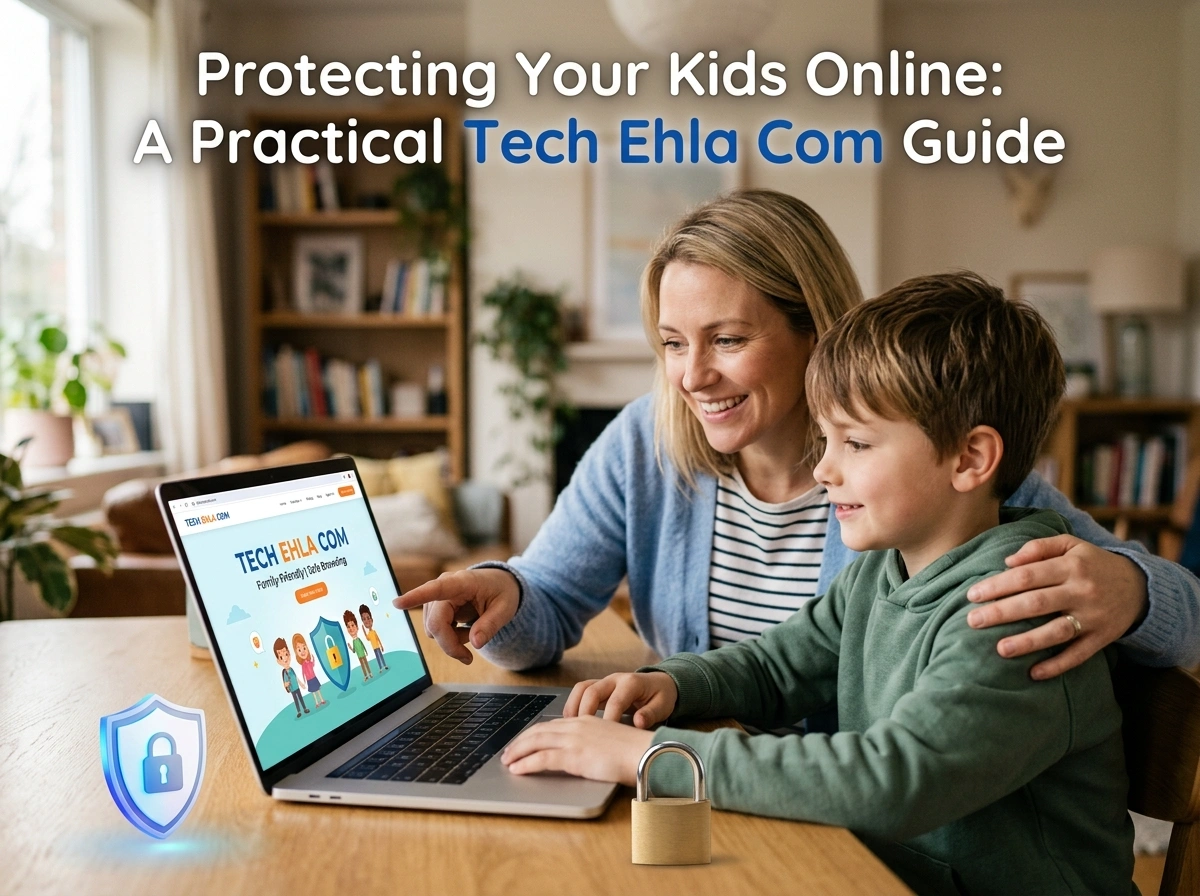
Kids today grow up with screens in their hands. From tablets in the living room to smartphones in the classroom, the internet is woven into nearly every part of childhood. That opens up amazing opportunities for learning, creativity, and connection. It also opens the door to risks that many parents feel unprepared to handle.
If you’ve ever worried about what your child sees, shares, or encounters online, you’re not alone. American families across every state face the same challenge: how do you give kids the freedom to explore the digital world while keeping them safe? The good news is that you don’t need to be a tech expert. With a few smart strategies and the right tools, you can protect your kids without hovering over their shoulder every minute.
This guide walks you through practical, real-world steps any parent can use.
Start With Parental Controls
Parental controls are your first line of defense. Nearly every device, app, and internet service now offers built-in settings to filter content and limit access. The trick is knowing where to look and turning them on.
Here’s where to begin:
- Device settings: Both Apple and Android phones include family safety features. Apple’s Screen Time and Google’s Family Link let you block apps, filter websites, and set age-appropriate limits.
- Streaming services: Platforms like Netflix, Disney+, and YouTube offer kid-specific profiles. Set these up so your children only see content rated for their age.
- Gaming consoles: Xbox, PlayStation, and Nintendo Switch all have parental control dashboards. You can restrict online chat, purchases, and mature games.
- Home Wi-Fi: Many routers let you set filters at the network level, covering every device in the house at once.
Take an afternoon to review these settings across your family’s devices. It’s a small time investment that pays off for years.
Manage Screen Time Without the Battles
Too much screen time affects sleep, focus, and even mood. But rigid rules often lead to arguments. Instead of banning devices, aim for balance.
Try these approaches:
- Set clear daily limits. Agree on how many hours are reasonable and stick to a routine. Consistency matters more than the exact number.
- Create tech-free zones. Keep bedrooms and dinner tables screen-free. This encourages sleep and family conversation.
- Use built-in timers. Screen Time and Family Link can automatically shut down apps when the limit is reached, so you’re not the bad guy.
- Model good habits. Kids notice when parents scroll during dinner. Lead by example.
Involve your children in setting these rules. When kids help make the plan, they’re far more likely to follow it.
Recognize the Real Online Threats
Understanding what you’re protecting against makes your efforts far more effective. Three risks deserve special attention.
Cyberbullying
Bullying no longer stops at the school gate. It follows kids home through texts, social media, and gaming chats. Watch for warning signs like sudden withdrawal, anxiety around their phone, or a drop in grades. Keep communication open so your child feels safe telling you when something goes wrong.
Online Predators
Predators often pose as peers in games, chat apps, and social platforms. Teach your kids never to share personal details, meet online “friends” in person, or send photos to strangers. Remind them that people online are not always who they claim to be.
Inappropriate Content
Explicit material, violence, and misinformation are just a few clicks away. Content filters help, but they aren’t foolproof. Pair them with honest conversations so your child knows what to do if they stumble onto something upsetting.
Teach Digital Responsibility
Filters and controls only go so far. As kids grow, they’ll access devices you don’t control, at friends’ houses, at school, or on their own phones. The strongest protection is a child who understands how to make smart choices.
Focus on these lessons:
- Think before you post. Explain that anything shared online can be permanent, even on apps that promise to delete messages.
- Protect personal information. Full names, addresses, school details, and passwords should stay private.
- Be kind online. Teach empathy and remind kids that real people are on the other side of every screen.
- Question what you see. Help them spot scams, fake news, and misleading videos.
- Speak up. Make it clear they can always come to you, without fear of punishment, if something feels wrong.
These conversations work best when they’re ongoing, not a one-time lecture. Keep them casual and age-appropriate.
Lean on Trusted Tech Resources
You don’t have to figure everything out alone. Reliable, up-to-date resources can help you stay ahead of new apps, trends, and threats. Technology changes fast, and staying informed is half the battle.
For helpful guides, reviews, and practical advice on family digital safety, tech ehla com offers useful information to keep parents in the loop. Bookmark trusted sites like this one and check them regularly, since the digital landscape shifts constantly.
Other worthwhile resources include:
- Common Sense Media for age-based app and game reviews
- The FTC’s OnGuardOnline for scam and privacy guidance
- Your child’s school, which often shares resources on the platforms students use
Build a Family Tech Agreement
One of the most effective tools is also one of the simplest: a written family tech agreement. This document spells out the rules everyone follows, from screen time limits to which apps are allowed.
A good agreement covers:
- Approved devices, apps, and websites
- Daily and weekly screen time limits
- Rules for privacy and sharing information
- Consequences for breaking the rules
- A promise to talk openly about online problems
Post it somewhere visible and revisit it as your kids grow. What works for an 8-year-old won’t fit a 15-year-old.
Stay Involved as They Grow
Online safety isn’t a set-it-and-forget-it task. As your children mature, they’ll want more independence, and they’ll earn it. Adjust your approach over time. Younger kids need close supervision and strong filters. Teens need trust, guidance, and open dialogue more than strict blocks.
Check in regularly. Ask what games they’re playing, who they’re chatting with, and what they enjoy online. Show genuine interest rather than suspicion. When kids feel respected, they’re more likely to be honest with you.
Final Thoughts
Keeping your kids safe online can feel overwhelming, but you don’t have to do everything at once. Start with a few parental controls, set reasonable screen time limits, and open up honest conversations about digital responsibility. Layer in trusted resources, and adjust your approach as your children grow.
The goal isn’t to shut kids out of the digital world. It’s to help them navigate it confidently and safely. With the right mix of tools, rules, and trust, you can give your children the freedom to explore while keeping the dangers at bay. Your involvement today builds the smart, responsible digital citizens of tomorrow.
